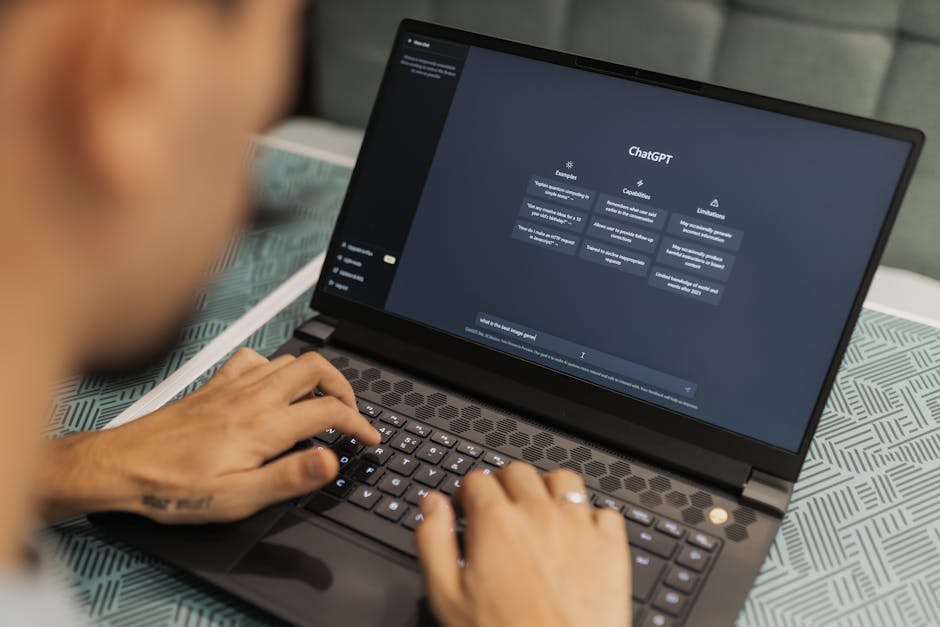
Preventing Company Data Leaks in ChatGPT: A CEO's Guide to AI Safety
TL;DR
- •Public AI versions use your data for training; everything entered becomes part of a global knowledge base.
- •The main risk is losing control over intellectual property and violating obligations to clients.
- •A transparent AI policy and basic team training close 90% of security gaps.
You give your team access to ChatGPT to speed up workflows, but along with those prompts, customer databases, financial reports, and confidential contracts are flying into the neural network. Most leaks don't happen due to malice, but because of a basic misunderstanding of where information goes after pressing the "Enter" key.
Where does your data go after the prompt?
When an employee copies a financial spreadsheet into the free version of ChatGPT, they are effectively "gifting" it to the model developer. In the standard settings of most chatbots, your dialogues are used to train future AI versions. This means that, theoretically, another person in another company could receive an answer based on your confidential information.
As a founder, it is vital to understand: the problem is not the AI itself, but the mode of its use. For example, paid corporate plans (Enterprise) or working via API typically do not use data for training. But does your manager using a personal account know this?
Definition: Model Training is the process where a neural network analyzes received data to better formulate responses; during this, the data becomes part of the system's "memory."
Checklist: What you must never "feed" to ChatGPT
To avoid dealing with the consequences of a leak, implement a simple "Three Nos" rule for the entire team:
- ✅ No personal data: Client last names, phone numbers, addresses, emails. Instead of "Write an email to John Smith from Company X," use "Write an email to a company client regarding..."
- ✅ No raw numbers without context: Do not upload full financial statements, bank statements, or margin tables. AI can analyze dynamics if you give it relative indicators (e.g., "sales grew by 10%" instead of exact sums).
- ✅ No code with passwords: Developers often ask AI to find bugs, accidentally leaving server access keys or API keys in the code.
Action Plan: Set up secure operations in 3 steps
| Step | Owner Action | Result |
|---|---|---|
| 1. Audit | Ask the team who is already using AI and through which accounts (personal or corporate). | Understanding the real scale of AI usage in the company. |
| 2. Configuration | Disable "Chat History & Training" in free account settings or upgrade to a corporate plan. | Your data stops being fuel for training the general model. |
| 3. Training | Conduct a briefing: what can be written and what must be "anonymized" before sending. | The team understands the risks and takes responsibility for security. |
It is important to understand that a total ban on AI usually leads to "shadow" usage. Employees will do it anyway, but secretly, which is even more dangerous. It is better to give them a clear framework than to ignore reality. You can read more about choosing the right approach to automation in our material on [/uk/blog/ai-ready-tools-vs-custom-automation-founder-guide](ready-made tools vs custom automation).
Definition: Anonymization is the replacement of confidential names and identifiers with generic ones (e.g., using "Client A" instead of "Rose LLC") before feeding data into AI.
The risks of "Shadow AI"
If you don't provide the team with paid tools, people will use free ones. This creates a situation where company intellectual property is scattered across employees' personal emails. If a person leaves, all developments, prompts, and analytics history leave with them.
Furthermore, you won't be able to control what specific data is being uploaded. Team training is not just about productivity; it's about security. Before paying for any courses, it's worth evaluating the [/uk/blog/ai-implementation-invoice-checklist-founder](checklist before paying an AI implementation invoice).
How this works on our side: We conduct 4 live 2-hour sessions where every participant manually launches their first micro-automation by the second lesson. For sensitive processes, we teach how to use test or anonymized data, and we sign an NDA upon request. The result of the program is at least 3 working automations for your priority tasks with a money-back guarantee if they don't work. https://course.aiadvisoryboard.me/corporate?utm_source=blog&utm_medium=article_body&utm_campaign=corporate
FAQ
Does OpenAI see my data in ChatGPT? Yes, support staff or developers may have access to dialogues in the public version to check model performance quality. Therefore, treat the chat as a public space, not a private notebook.
Which ChatGPT plan should a company choose for data security? For business, ChatGPT Team or Enterprise plans are optimal. By default, they have data usage for model training disabled. This is more expensive than the free version, but cheaper than potential fines or loss of reputation.
What should we do if we have already leaked data? You can delete individual chats or the entire account, but if the data has already entered the training cycle for the next model, removing it is technically almost impossible. The best strategy is preventing new leaks.
Conclusion
Data security when working with AI is not a technical issue, but a matter of hygiene and culture within the company. You don't need to be a programmer to set the rules: do not copy personal data, anonymize numbers, and use corporate accounts.
Tomorrow morning, ask your department heads if their subordinates are using AI and in which accounts. This will be your first step toward protecting the company. If you want to figure out a specific task for your business without data risks, you can come for a free 30-minute diagnostic consultation.
Frequently Asked Questions
Read with AI
Open this article in your assistant — it will summarize it and help apply it to your company.
Show the prompt
Read the article https://aiadvisoryboard.me/blog/how-to-prevent-data-leaks-chatgpt-policy.md and summarize the key points. Then ask me about my company (industry, team size, what takes the most time) and explain which ideas from the article apply to us and where to start.

Implements AI agents in companies and teaches founders and their teams to work with them — through courses and corporate programs.
This article was prepared with AI assistance, based on Yaroslav Maxymovych's methodology and materials. Spotted an inaccuracy — let us know via the form below.
Your company's first 3 AI automations — in 2 weeks
A corporate AI-transition program: 4 live sessions with your team plus a video course for every employee. Up to 20 people for one fixed price. If it doesn't work — money back.
New case studies on AI adoption — in your inbox
Once a week: practical breakdowns of what companies automate with AI and what actually comes out of it.
No spam. Unsubscribe anytime.
Related Articles

AI in Hiring & HR: Implementation Plan for Companies of 20–100 People
Learn how AI can optimize hiring and HR in your company. Practical plan: where to start, how to choose tools, and what risks to consider.
Read more
What Should Be in an AI Implementation Invoice: Founder’s Checklist Before Payment
Before paying an AI implementation invoice, the founder must verify that the sum is broken into line items, includes a results guarantee, and that code rights remain with the company. This checklist…
Read more
AI in Hiring and HR: A Plan for Companies of 20–100 People
Learn how to implement AI in recruitment and HR for mid-sized companies (20–100 people). Practical plan, examples, and risks.
Read more