You Can't Optimize What You Can't See: The AI Baseline Problem
TL;DR
- •You cannot automate a process you have not observed.
- •The AI baseline problem is the gap between what you think your team does and what they actually do.
- •Fixing visibility first prevents you from baking broken workflows into AI agents.
After watching 30+ founders try to fix operational chaos with AI, my conclusion is simple: most automation projects fail before they start because the owner cannot see what the team actually does.
Definition: AI baseline
The current, documented state of how work moves through your company before any AI tool or agent is introduced. It includes who does what, where handoffs happen, and where time disappears.
Definition: Plan → Fact → Gap
An operating taxonomy where Plan is what was supposed to happen, Fact is what actually happened, and Gap is the difference between the two. It is the core visibility layer for owners who need to make decisions without micromanaging.
Definition: Process debt
The accumulated shortcuts, workarounds, and informal agreements that make a workflow look clean on paper but messy in reality. Automating process debt scales the mess.
Why AI Rollouts Stall Before They Begin
Most founders approach AI implementation tool-first. They buy Copilot seats, subscribe to an agent builder, and ask department heads to "find use cases." The result is a pile of small experiments that never connect to revenue or cost.
The deeper issue is visibility. If you cannot see where work starts, where it stalls, and who touches it between departments, you have no baseline to improve. You are optimizing a black box.
An owner of a 120-person logistics company once told me his team spent three hours every Monday reconciling delivery exceptions. He thought the problem was slow drivers. The baseline showed the real bottleneck was a manual handoff between dispatch and accounting that no one had documented. Automating driver routing would have solved nothing.
How to Establish Your AI Baseline in Seven Days
You do not need a consulting engagement or a BI team. You need a week of honest observation across your key functions.
Step 1: Map the Org Chart by Tasks, Not Titles
List each department and the recurring work that flows through it. Do not start with job descriptions. Start with what actually gets done on a typical Tuesday.
Step 2: Capture Plan vs Fact for Five Days
Ask team leads to submit a short daily update: what was planned, what was completed, and what blocked them. Do not use this for performance reviews. Use it to see where the plan breaks down.
Step 3: Identify Handoff Points
Mark every place where work moves from one person or team to another. Handoffs are where information degrades, deadlines slip, and AI agents can either help or create new failure modes.
Step 4: Quantify Routine Work
Flag tasks that are repetitive, rules-based, and consume more than a few hours per week per person. These are your automation candidates — but only after you can see them clearly.
Step 5: Decide What to Automate, Delegate, or Kill
Not everything that can be automated should be. Some processes should be simplified first. Others should be removed entirely.
Manager Scan (2-Minute Digest Example)
- Sales: Plan — 15 discovery calls; Fact — 9 completed; Gap — 6, all due to CRM data entry delays.
- Operations: Plan — 20 supplier confirmations; Fact — 14 sent; Gap — 6, stuck waiting on procurement approvals.
- Finance: Plan — invoice run by Thursday; Fact — completed Friday; Gap — one day, caused by missing purchase orders.
- Customer Success: Plan — 12 QBRs scheduled; Fact — 8 held; Gap — 4, clients rescheduled without notice.
This digest takes two minutes to read. It shows the owner where the company is leaking time before any AI tool is introduced.
Micro-Case (What Changes After 7–14 Days)
A founder of a 60-person professional services firm realized his delivery team was missing internal deadlines, but status meetings did not reveal why. After a seven-day baseline capture, he saw that project managers were spending four hours a week manually compiling status updates from three different tools. The gap was not performance — it was fragmented information. Instead of buying an AI agent to write client emails, he fixed the handoff between project management and delivery. Two weeks later, the team was hitting deadlines without adding headcount, and the owner had a clear view of where automation would actually help.
Note on this case: This example is illustrative — based on typical patterns we observe with companies of 30–500 employees, not a single named client. Specific numbers are rounded approximations of common ranges, not guarantees.
FAQ
Do I need to document every process before using AI? No. Start with the workflows that consume the most time or cause the most delays. A partial baseline is better than no baseline.
Who should own the baseline capture? The founder or COO should sponsor it, but team leads should provide the daily Plan vs Fact input. Ownership stays inside the company.
How is this different from an audit? An audit looks backward for compliance. A baseline looks forward for improvement. You are building a reference point, not assigning blame.
Can AI help build the baseline? AI can summarize updates and surface patterns, but only after humans are consistently reporting what they actually did. Garbage in, garbage out applies here too.
What if my team resists daily updates? Frame it as visibility for the owner, not surveillance for the manager. Explain that the goal is to remove blockers, not to police activity.
Conclusion
AI will not fix a process you cannot see. Before you buy subscriptions or assign champions, spend one week capturing what your team actually does, where work stalls, and where the gap between plan and fact lives. That baseline is your decision-making layer for everything that follows.
If you want a system that surfaces the Plan → Fact → Gap automatically — every day, across the company — see how the 7-day diagnostic works. https://aiadvisoryboard.me/?lang=en
Frequently Asked Questions
Read with AI
Open this article in your assistant — it will summarize it and help apply it to your company.
Show the prompt
Read the article https://aiadvisoryboard.me/blog/ai-baseline-problem-you-cant-optimize-what-you-cant-see.md and summarize the key points. Then ask me about my company (industry, team size, what takes the most time) and explain which ideas from the article apply to us and where to start.
The pillar guide for "Owner Visibility Before AI" linking every article in this cluster.

Implements AI agents in companies and teaches founders and their teams to work with them — through courses and corporate programs.
This article was prepared with AI assistance, based on Yaroslav Maxymovych's methodology and materials. Spotted an inaccuracy — let us know via the form below.
Your company's first 3 AI automations — in 2 weeks
A corporate AI-transition program: 4 live sessions with your team plus a video course for every employee. Up to 20 people for one fixed price. If it doesn't work — money back.
AI adoption resources — one email
Leave your email to receive a welcome email with blog resources. There is no regular newsletter at present
No spam. Unsubscribe anytime.
Related Articles
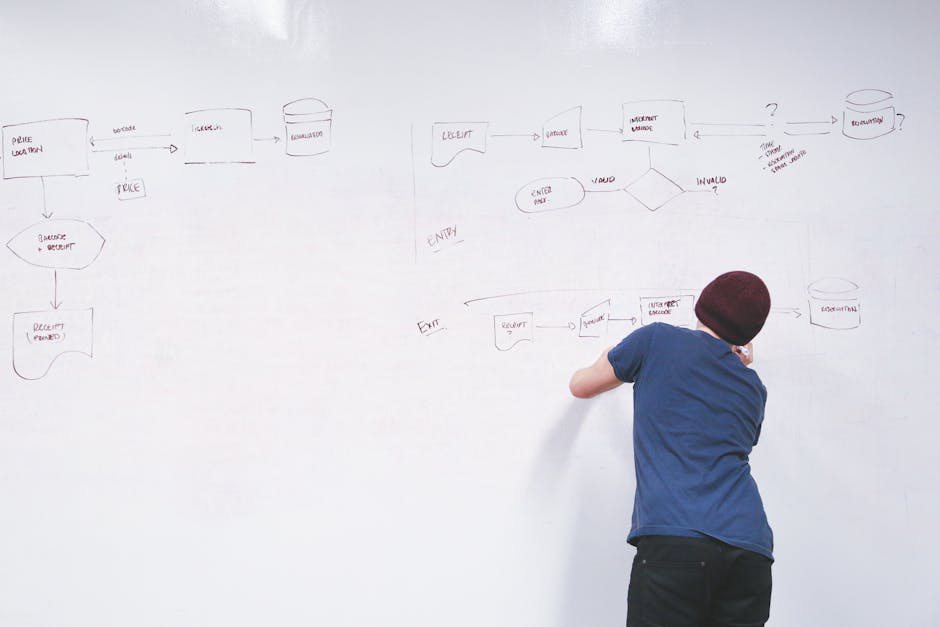
Dependency Map for Blockers Between Departments: How Owners See Cross-Functional Stalls
A dependency map for blockers between departments reveals where work stalls at handoffs, not inside teams. Learn how to build one, assign owners, and review it weekly so cross-functional delays stop…
Read more
Time-Boxing the Daily Plan: How Founders Stop Overcommitting
Founders overcommit because they plan tasks without seeing the hours. Time-boxing turns your daily plan into fixed containers, reveals the gap between plan and reality, and stops the cycle of…
Read more
Product Manager's Daily Update Template: What to Track Before the Day Ends
A practical product manager daily update template for SMB teams. Learn what to track, how to surface blockers early, and keep founders aligned without micromanagement.
Read more