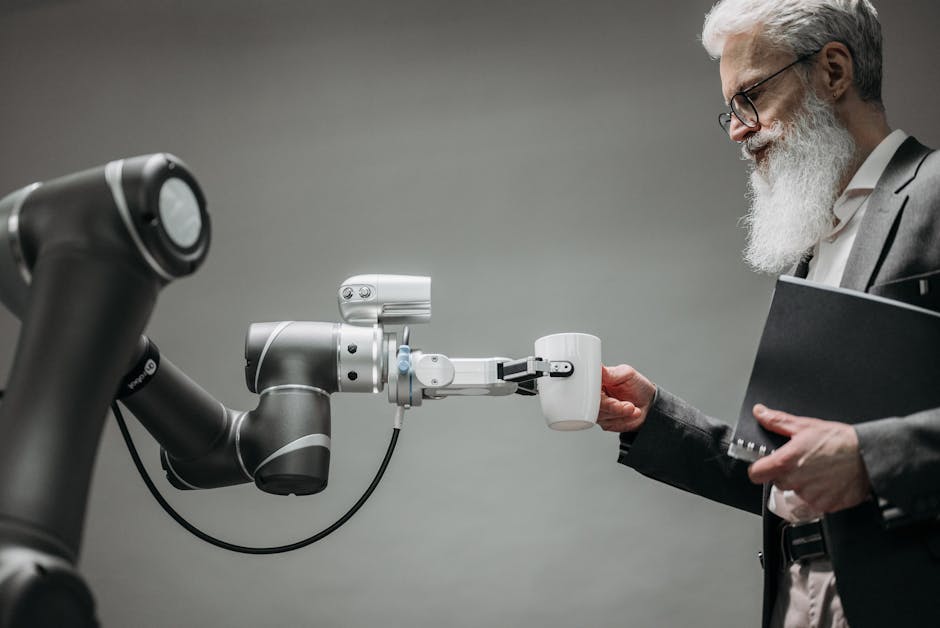
What Actually Changes in a Company After the First Working AI Automation
TL;DR
- •First working AI automations trigger shifts in organized routine.
- •Task execution speed increases, boosting overall productivity.
- •Teams gain new tools that let them focus on higher-value work.
In companies that have already deployed their first working automation, new opportunities and challenges often emerge. The main ones are changes in organizational structure, increased productivity, and shifts in work processes.
What Changes Happen in the Company?
After deploying the first working AI automation, a whole range of changes occurs in the company. The most noticeable are:
- Increased efficiency. Employees, freed from routine tasks by automation, can dedicate more time to analytics and creative work.
- Reduced errors. AI systems, when properly configured, can reduce human error rates, which in turn improves service quality.
- Changes in organizational structure. Often, there arises a need for new roles—AI specialists who can maximize the effectiveness of the new tools.
Checklist: What to Consider After Launching Automation
✅ Assess impact: Determine how the AI automation changed work processes; interestingly, calculate how much time was freed up. ✅ Gather feedback: It's important to collect team feedback on how the new tools affected their work. ✅ Evaluate ROI: Determine the return on your investment in new technologies—this helps decide whether to continue deploying new systems.
How This Looks on Our Side:
In our program, participants can launch their first micro-automation by the second session. This doesn't just boost productivity—it builds a foundation for further company changes. The program includes creating at least three automations tailored to your business needs, with a money-back guarantee. https://course.aiadvisoryboard.me/corporate?utm_source=blog&utm_medium=article_body&utm_campaign=corporate
FAQ
**What's the first task that usually prompts automation? Typically, it's routine tasks that consume a lot of time. Examples: processing applications, filling out forms, data analysis.
How do you know if the team is ready for automation?
It's important to gather team feedback during automation testing—this helps reveal gaps in training.
What risks can arise with AI automation implementation?
The main risks are configuration errors in automations and insufficient team training.
Conclusion
First AI automations can meaningfully transform company operations, increasing productivity and reducing routine. If you're ready to learn how this could work for you, start with a free consultation to discuss your real challenge.
Frequently Asked Questions
Read with AI
Open this article in your assistant — it will summarize it and help apply it to your company.
Show the prompt
Read the article https://aiadvisoryboard.me/blog/what-actually-changes-in-a-company-after-the.md and summarize the key points. Then ask me about my company (industry, team size, what takes the most time) and explain which ideas from the article apply to us and where to start.
The pillar guide for "Докази і виміри (засновник)" linking every article in this cluster.

Implements AI agents in companies and teaches founders and their teams to work with them — through courses and corporate programs.
This article was prepared with AI assistance, based on Yaroslav Maxymovych's methodology and materials. Spotted an inaccuracy — let us know via the form below.
Your company's first 3 AI automations — in 2 weeks
A corporate AI-transition program: 4 live sessions with your team plus a video course for every employee. Up to 20 people for one fixed price. If it doesn't work — money back.
AI adoption resources — one email
Leave your email to receive a welcome email with blog resources. There is no regular newsletter at present
No spam. Unsubscribe anytime.
Related Articles

How to Find Out the Truth About AI Use in Your Team If They’re Hiding It
How a company owner can learn the truth about AI usage in the team if employees hide it from leadership. Practical advice for the founder without theater and formal surveys.
Read more
Employees Sabotage AI: A Step-by-Step Plan for Founders
The team doesn't use AI because they fear losing their job or status. The founder can't force them, but can remove the causes of resistance. Here is a step-by-step plan on how to regain control…
Read more
NDA and AI contractors: what to put in the contract before work starts
How to protect company data when working with an AI contractor: must-have contract and NDA clauses, who owns the automations, and risks to agree on upfront.
Read more