
AI Pilot Failed: How to Find the Root Cause and Action Plan
TL;DR
- •The first step is to honestly define which expectations were unrealistic.
- •Analyzing AI data and logic often reveals the real problem.
- •After diagnosis, launch a simple micro-automation and scale its success.
Business owners often face frustration when their first AI experiment doesn't yield the expected results—time and money are spent, and the team is left disappointed. Instead of immediately blaming the technology, it's worth systematically breaking down why that particular project failed and what steps can lead to a functional automation.
Definitions
Definition: AI Experiment — an attempt to use artificial intelligence to automate a specific business task within a limited pilot project. Definition: Working Automation — a tool that executes an agreed-upon scenario using real company data and meets pre-established performance criteria. Definition: Root Cause — the primary factor leading to failure, not merely a symptom of it.
Why AI Experiments Can Fail
Failure is typically linked to a poorly defined task, low data quality, or a lack of consensus among employees. If the goal is too abstract ("improve customer service"), the team won't understand what the AI is supposed to do, and the result remains theoretical. Furthermore, if data contains errors, duplicates, or outdated records, the model learns from noise rather than signal. Therefore, before launch, it's crucial to clearly describe the exact task to be solved and ensure that the data is clean and relevant enough.
How to Diagnose a Failed Experiment
Start with a structured analysis: gather feedback from a "top 5 time-consuming tasks" survey, compare planned versus actual outcomes, and check which steps of the AI's logic were not executed. This approach allows you to separate symptoms (e.g., low conversion) from the true root cause (e.g., incorrect customer segmentation).
✅ Diagnosis Checklist
- Clearly state the experiment's goal in one sentence.
- Verify data cleanliness: absence of gaps, duplicates, anomalies.
- Review the AI's execution logs – ensure all conditions were met.
- Contact users who interacted with the tool and ask where the friction occurred.
- Determine if the task was too complex for a first pilot; if so, break it down into simpler subtasks.
What to Do Next: Your Action Plan
Once the root cause is identified, focus on one simple task where visible results can be achieved quickly. Then, use that success as a foundation for further scaling.
Step-by-Step
- Week 1, Days 1–3: Choose one task from your survey that has a clear input and output (e.g., generating a sales proposal template). Ensure access to the necessary data in your systems.
- Week 1, Days 4–5: Launch a micro-automation using AI that writes code based on your logic description (no programming skills needed). Test on a small sample.
- Week 2, Days 1–2: Evaluate the result against agreed-upon criteria (execution time, accuracy). If the criteria are met, consider further expansion.
- Week 2, Days 3–5: Prepare a scaling plan: add similar tasks, train additional employees to describe logic verbally, and maintain a chat with an instructor for support.
How this works on our side: The first step is a free 30-minute diagnostic consultation where one real company task is broken down. Our corporate program format includes 4 live, 2-hour sessions over 2 weeks, plus a recorded video course for each participant. The program's outcome is a minimum of 3 working automations for tasks the company identifies as priorities (typically 3–5), backed by a money-back guarantee. Each participant receives a recorded video course with 12-month access, technical specification templates, and chat support with an instructor during the course duration. https://course.aiadvisoryboard.me/corporate?utm_source=blog&utm_medium=article_body&utm_campaign=corporate
FAQ
Do we need a technical team for the first AI experiment? No. In our format, participants describe business logic in plain language, and AI generates the code. Technical skills are not a prerequisite for launching.
How long until we see first results after launching a micro-automation? Typically, participants can launch their first automation in the browser and see tangible results by the second session (approximately 3–4 days after starting).
Can we repeat the same experiment if it failed the first time? Yes, but before re-launching, be sure to perform a diagnosis using the checklist above to correct the cause of failure. Otherwise, you risk repeating the same mistakes.
How can we convince the team that AI efforts won't be wasted? Show a concrete example: an automation that replaced minutes of manual work, and emphasize that the code and results remain the company's property, without reliance on a contractor.
Conclusion
A failed AI experiment signals a need to better understand the task and data, not that the technology itself doesn't work. By following a simple diagnostic checklist and a step-by-step plan, you can quickly move from frustration to your first working automation. Tomorrow, define one clear task from your list of pain points and schedule a 30-minute meeting with your team to discuss it.
Frequently Asked Questions
Read with AI
Open this article in your assistant — it will summarize it and help apply it to your company.
Show the prompt
Read the article https://aiadvisoryboard.me/blog/yak-rozibrati-prychynu-neuspishnogo-ai-eksperymentu.md and summarize the key points. Then ask me about my company (industry, team size, what takes the most time) and explain which ideas from the article apply to us and where to start.

Implements AI agents in companies and teaches founders and their teams to work with them — through courses and corporate programs.
This article was prepared with AI assistance, based on Yaroslav Maxymovych's methodology and materials. Spotted an inaccuracy — let us know via the form below.
Your company's first 3 AI automations — in 2 weeks
A corporate AI-transition program: 4 live sessions with your team plus a video course for every employee. Up to 20 people for one fixed price. If it doesn't work — money back.
New case studies on AI adoption — in your inbox
Once a week: practical breakdowns of what companies automate with AI and what actually comes out of it.
No spam. Unsubscribe anytime.
Related Articles
How to Prevent Company Data Leaks in ChatGPT: Rules for Your Team
Protect your company's confidential information when using ChatGPT: specific anonymization rules, corporate plans, and a team checklist to prevent data leaks without banning AI.
Read more
How to Verify AI Automation Before Launching Into Production: Acceptance Checklist
Before launching AI automation into production, you need to verify that it works on your data, in your tools, and executes the scenario agreed upon with your company. Here’s the acceptance checklist…
Read more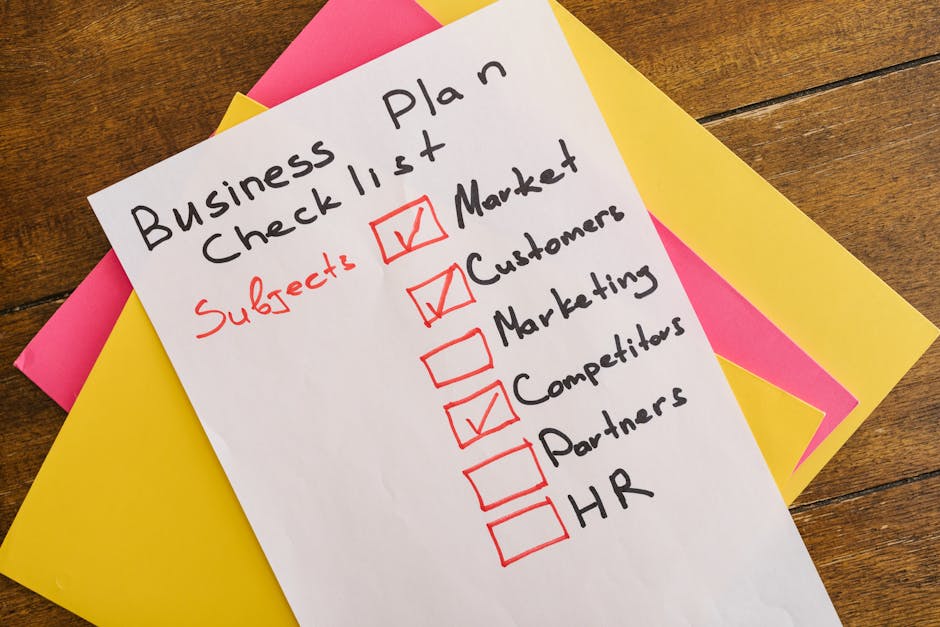
Signs Your AI Adoption Is Going Off Track: Early Diagnosis for Founders
Spot early signs your AI adoption is off track: 5 concrete indicators a founder can check without technical skills.
Read more