Claude Opus 5.5
At a glance
- Price per 1M tokens (input)
- $4.00
- Price per 1M tokens (output)
- $20.00
- Context
- 1,000,000 tokens
- Free access
- yes (see below)
Refreshed daily; data verified September 26, 2026. Published September 26, 2026.
Claude Opus 5.5 is designed for enterprise teams that need to process complex visual inputs alongside text, such as analyzing diagrams, interpreting charts, or extracting data from scanned documents. It supports tool calling, allowing the model to interact with external systems like databases or APIs to perform actions based on user prompts. The model excels at step-by-step reasoning, making it suitable for multi-stage tasks like legal document review, technical troubleshooting, or workflow automation where accuracy and traceability are essential. Anthropic’s approach emphasizes alignment and safety through constitutional AI, aiming to reduce harmful outputs while maintaining high performance on nuanced, real-world tasks.
Specifications & pricing
| Input (per 1M tokens) | $4.00 |
|---|---|
| Output (per 1M tokens) | $20.00 |
| Cache read (per 1M tokens) | $0.20 |
| Cache write (per 1M tokens) | $5.00 |
| Context window | 1,000,000 tokens |
| Max output | 128,000 tokens |
| Capabilities | images, tool calling, reasoning |
LiteLLM community dataset (MIT), verified September 26, 2026. Official Anthropic pricing.
What Claude Opus 5.5 would cost on your workload — run it through the cost calculator →
Where to try Claude Opus 5.5 for free
- Anthropic offers a free chat — Claude (free plan). A vendor's free chat may run a different model from the same family — the exact model is not guaranteed.
- 🎁 On our promo-codes page: Claude Code Guest Pass — a community invite.
Frequently asked questions
What types of tasks is Claude Opus 5.5 best suited for?+
It is ideal for workflows requiring both image understanding and logical reasoning, such as validating form inputs against visual templates, guiding users through technical procedures using screenshots, or assisting in medical imaging reports where context from visuals and text must be combined.
How does tool calling work in this model, and why is it useful?+
Tool calling enables the model to invoke predefined functions—like retrieving customer records or updating a ticket system—based on natural language instructions. This allows it to go beyond text generation and perform actual actions in integrated environments, reducing manual steps in business processes.
How does Claude Opus 5.5 differ from other models in the Claude line?+
Compared to smaller variants, Opus 5.5 offers stronger performance on complex reasoning and visual tasks, making it better for high-stakes applications where precision matters. It prioritizes depth over speed, so it may take longer to respond but delivers more thorough analysis.
What are the current limitations users should be aware of?+
The model may occasionally misinterpret ambiguous images or fail to reason correctly when prompts lack sufficient context. It also requires careful prompt design to effectively use tool calling, and its responses should be reviewed in critical applications to ensure correctness.
Compare with others
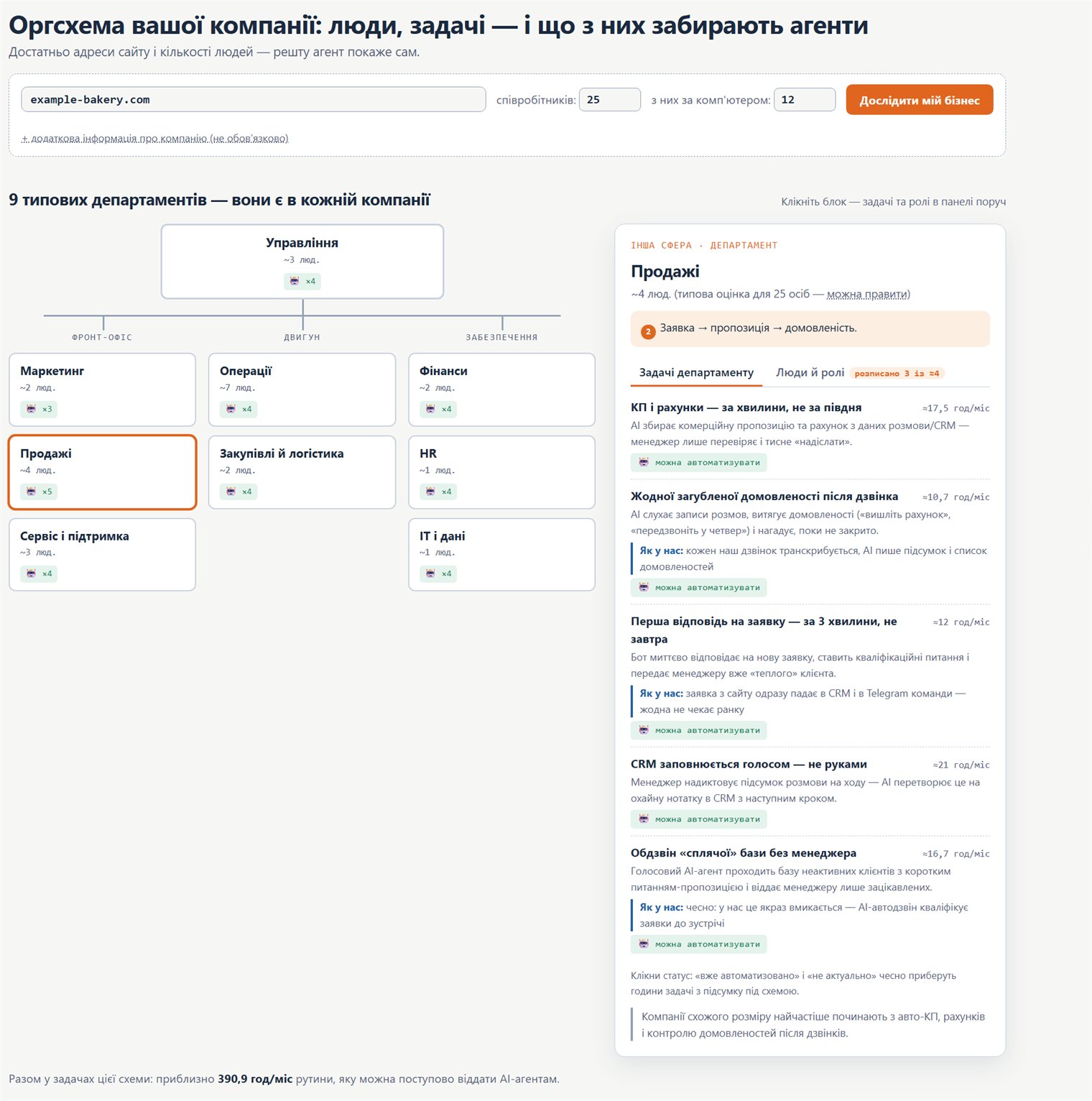
Org chart: how to move your company onto AI
A practical map: which company roles and processes AI agents can take over, where to start, and in what order to roll it out.