Grok 2 Vision
At a glance
- Price per 1M tokens (input)
- $2.00
- Price per 1M tokens (output)
- $10.00
- Context
- 32,768 tokens
- Free access
- yes (see below)
Refreshed daily; data verified September 29, 2026. Published August 12, 2026.
Grok 2 Vision is a multimodal model from xAI that combines image understanding with tool calling, the ability to execute external functions or APIs during a conversation. It suits developers and data teams building visual analysis pipelines, automated document processing, or interactive agents that need to reason about screenshots, diagrams, or photographs and then act on that understanding. The vendor differentiates itself by focusing on real-time world knowledge and a direct, less constrained response style, which can be useful for tasks requiring rapid interpretation of visual data alongside structured actions. This model is a practical choice for teams that want a single model to both perceive images and trigger downstream workflows without stitching together separate systems.
Specifications & pricing
| Input (per 1M tokens) | $2.00 |
|---|---|
| Output (per 1M tokens) | $10.00 |
| Context window | 32,768 tokens |
| Max output | 32,768 tokens |
| Capabilities | images, tool calling |
LiteLLM community dataset (MIT), verified August 27, 2026. Official xAI pricing.
What Grok 2 Vision would cost on your workload — run it through the cost calculator →
Where to try Grok 2 Vision for free
- xAI offers a free chat — Grok (limited free access). A vendor's free chat may run a different model from the same family — the exact model is not guaranteed.
Frequently asked questions
What is this model good for in a business context?+
It is well suited for tasks that combine visual input with programmatic action, such as extracting information from invoices or charts and then calling a database or notification service, or analyzing user-uploaded images in a support ticket and routing the request to the right team. It also handles more open-ended visual reasoning, like describing a product photo for a catalog or comparing two design mockups.
How do I get started with Grok 2 Vision?+
You access it through the xAI API or the provider's platform, where you can send an image along with a text prompt. For tool calling, you define functions in your code and let the model decide when to invoke them, then pass the function's output back to the model for the final response. Most users begin with a simple test: upload an image, ask for a structured description, and then add a function that converts that description into a database entry.
How does this model differ from other models in the Grok line?+
The key difference is the vision component: sibling models without vision can only process text and are therefore limited to tasks like summarization or code generation. Grok 2 Vision adds the ability to interpret images, which expands use cases to visual QA, document scanning, and UI testing. It also inherits the tool calling feature, but the vision input is what sets it apart in the lineup.
What are the main limitations I should be aware of?+
The model may struggle with very low-resolution or heavily distorted images, and its accuracy on dense text within images, like small-font tables, is not perfect. Tool calling requires careful setup on your end—you must define the function schema precisely and handle errors when the model makes a wrong call. Additionally, it does not have built-in memory across sessions, so you need to manage conversation state yourself if your workflow requires it.
Compare with others
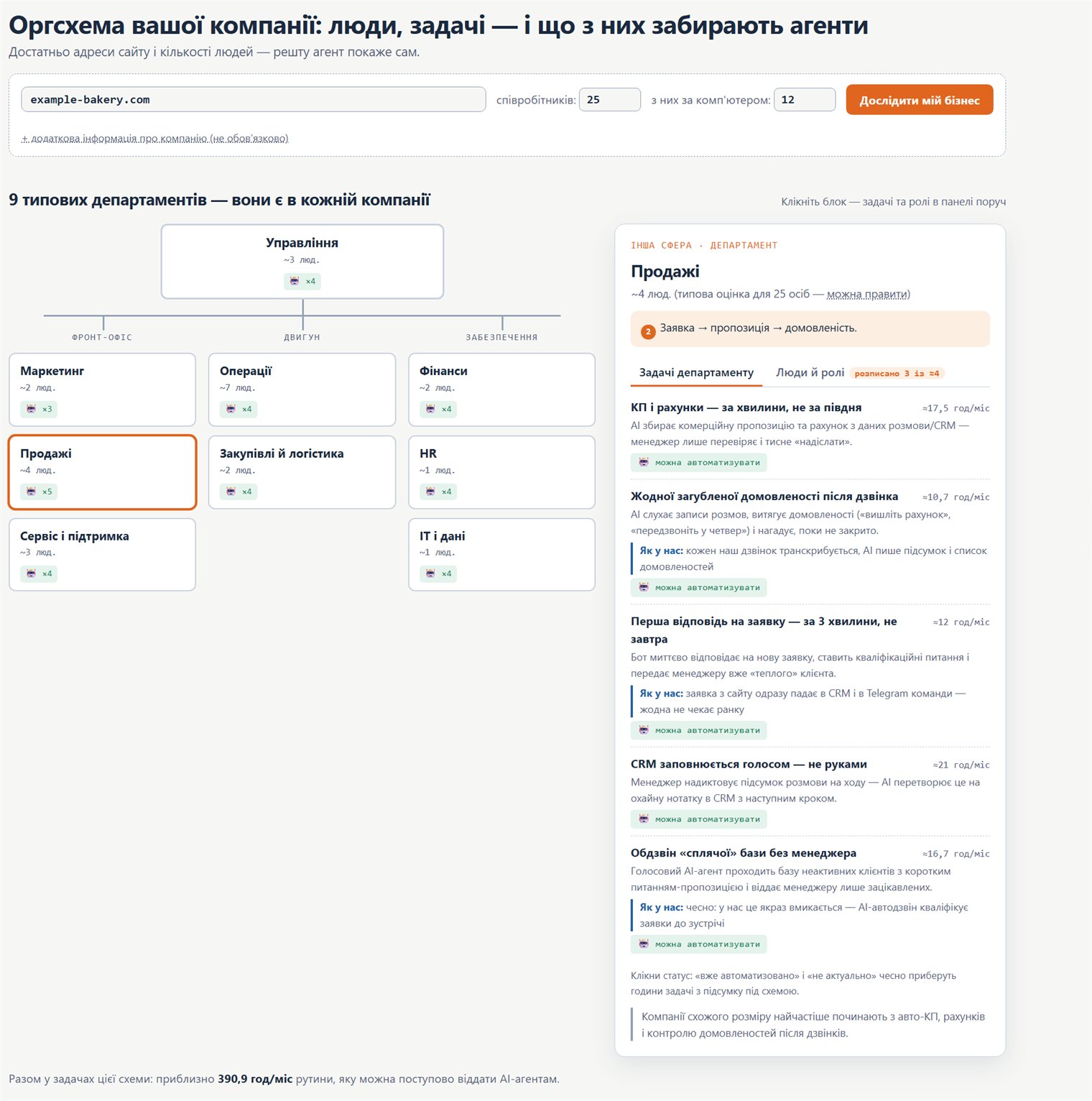
Org chart: how to move your company onto AI
A practical map: which company roles and processes AI agents can take over, where to start, and in what order to roll it out.