Grok 2 Vision 1212
At a glance
- Price per 1M tokens (input)
- $2.00
- Price per 1M tokens (output)
- $10.00
- Context
- 32,768 tokens
- Free access
- yes (see below)
Refreshed daily; data verified September 29, 2026. Published August 12, 2026.
Grok 2 Vision 1212 is built for teams that need a single model to interpret visual inputs and act on them programmatically. It suits tasks like document analysis, UI screenshot inspection, and image-based data extraction, where the model can describe what it sees and then trigger external workflows via tool calling, which lets it invoke functions or APIs as part of a response. The vendor’s approach emphasizes real-time grounding and direct actionability, meaning the model is designed to move from perception to execution without a separate orchestration layer. This makes it a pragmatic choice for developers and operations teams who want to reduce pipeline complexity, rather than for general-purpose creative work.
Specifications & pricing
| Input (per 1M tokens) | $2.00 |
|---|---|
| Output (per 1M tokens) | $10.00 |
| Context window | 32,768 tokens |
| Max output | 32,768 tokens |
| Capabilities | images, tool calling |
LiteLLM community dataset (MIT), verified August 27, 2026. Official xAI pricing.
What Grok 2 Vision 1212 would cost on your workload — run it through the cost calculator →
Where to try Grok 2 Vision 1212 for free
- xAI offers a free chat — Grok (limited free access). A vendor's free chat may run a different model from the same family — the exact model is not guaranteed.
Frequently asked questions
What is Grok 2 Vision 1212 best used for in a business setting?+
It is best for tasks that combine visual understanding with follow-up actions. Examples include extracting structured data from invoices or forms, reviewing screenshots for UI bugs, or analyzing images of physical inventory and then updating a database. The tool calling capability means you can have the model output a structured command to your system, not just a text description.
How do I start integrating this model into my existing stack?+
You access it through the standard API endpoint, similar to other models in the catalog. For tool calling, you define the functions you want the model to use in your request, and the model will return a structured call that your application executes. Start with a simple test case, like having the model read a chart image and then call a function to log the extracted values.
How does this model differ from other Grok models in the same line?+
The primary difference is the vision input and the explicit focus on tool use. Sibling models without the 'Vision' designation are text-only and may prioritize conversational depth or reasoning. This version trades some of that breadth for a tighter loop between image understanding and function invocation, which is useful when your workflow is visual and action-oriented.
What are the practical limitations I should plan around?+
The model is not a general-purpose image generator, so it cannot create images, only analyze them. Its tool calling works best when you provide clear, well-documented function schemas; ambiguous or overly broad functions will lead to less reliable calls. Also, for highly detailed or cluttered images, the model may miss fine print, so verify critical extracted data in regulated or high-stakes use cases.
Compare with others
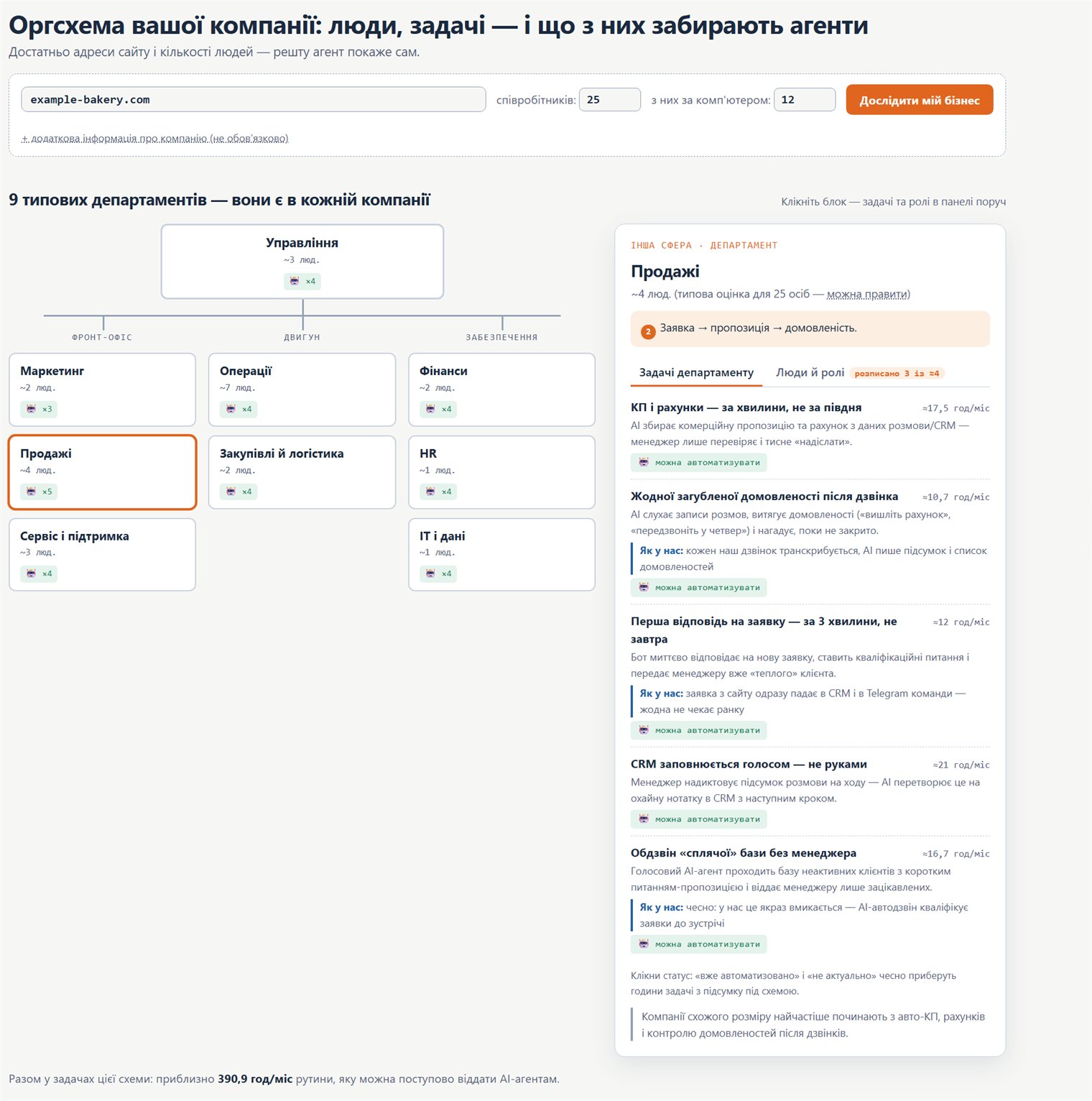
Org chart: how to move your company onto AI
A practical map: which company roles and processes AI agents can take over, where to start, and in what order to roll it out.