Grok Beta
At a glance
- Price per 1M tokens (input)
- $5.00
- Price per 1M tokens (output)
- $15.00
- Context
- 131,072 tokens
- Free access
- yes (see below)
Refreshed daily; data verified September 29, 2026. Published August 12, 2026.
Grok Beta by xAI is a multimodal model that accepts images alongside text, making it suitable for visual question answering, document analysis, and image-based reasoning tasks. It also supports tool calling, which allows the model to invoke external functions or APIs to fetch live data, perform computations, or update records within an automated workflow. This model is aimed at developers and business teams building interactive assistants, internal knowledge tools, or data pipelines that need both visual comprehension and structured actions. What distinguishes xAI's approach is a focus on real-time world understanding and direct integration with external systems, rather than treating the model as a standalone text generator. The vendor emphasizes transparency about model limitations and encourages iterative testing in production environments.
Specifications & pricing
| Input (per 1M tokens) | $5.00 |
|---|---|
| Output (per 1M tokens) | $15.00 |
| Context window | 131,072 tokens |
| Max output | 131,072 tokens |
| Capabilities | images, tool calling |
LiteLLM community dataset (MIT), verified August 27, 2026. Official xAI pricing.
What Grok Beta would cost on your workload — run it through the cost calculator →
Where to try Grok Beta for free
- xAI offers a free chat — Grok (limited free access). A vendor's free chat may run a different model from the same family — the exact model is not guaranteed.
Frequently asked questions
What is Grok Beta best used for in a business context?+
It is well suited for tasks that combine visual input with structured actions—for example, extracting information from screenshots or diagrams and then triggering a follow-up process via an API call. It also works for customer support triage where an image is uploaded and the model needs to classify the issue and route it to the right system.
How do I get started with Grok Beta?+
You can access it through xAI's API or via the model catalog interface. Start by sending a simple text request to verify connectivity, then add an image to test visual understanding. For tool calling, you must define the function schema—specifying parameters and expected outputs—and then include that schema in your request so the model can decide when to call the tool.
How does Grok Beta differ from other models in the xAI line, like the base Grok model?+
The base Grok model is primarily text-only and focuses on conversational response generation. Grok Beta adds two capabilities: image understanding, which lets it process and reason about visual input, and tool calling, which enables it to execute external functions. This makes it more suitable for multimodal and action-oriented tasks, whereas the base model is simpler and lighter for pure text chats.
What are the practical limitations I should know before deploying Grok Beta?+
The model may misinterpret complex or low-resolution images, and its tool calling requires careful schema design to avoid errors. It is not a replacement for specialized computer vision models on tasks like object detection at scale. Also, because it is a beta, behavior can change between releases, so you should validate outputs in a staging environment before production use.
Compare with others
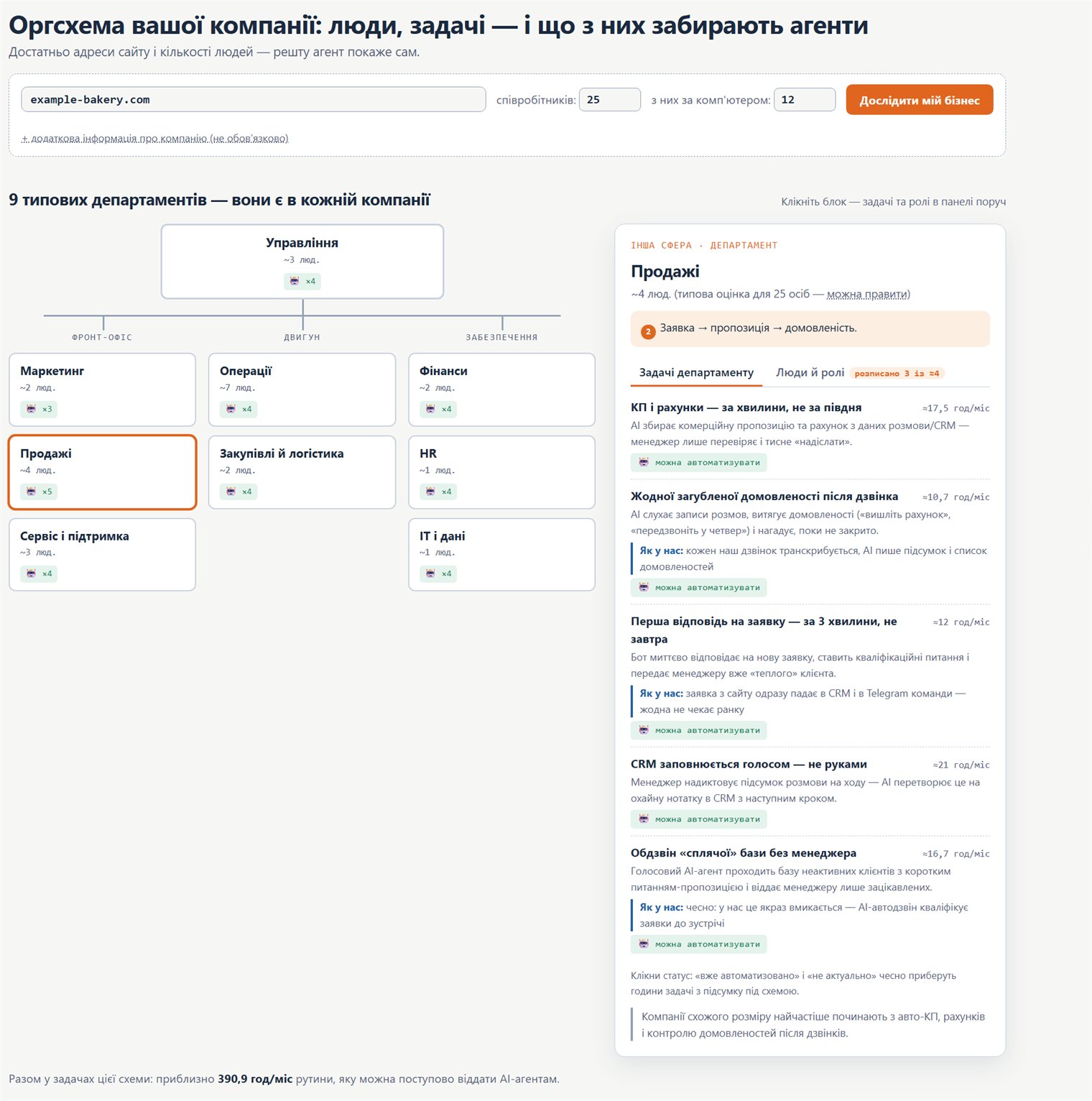
Org chart: how to move your company onto AI
A practical map: which company roles and processes AI agents can take over, where to start, and in what order to roll it out.