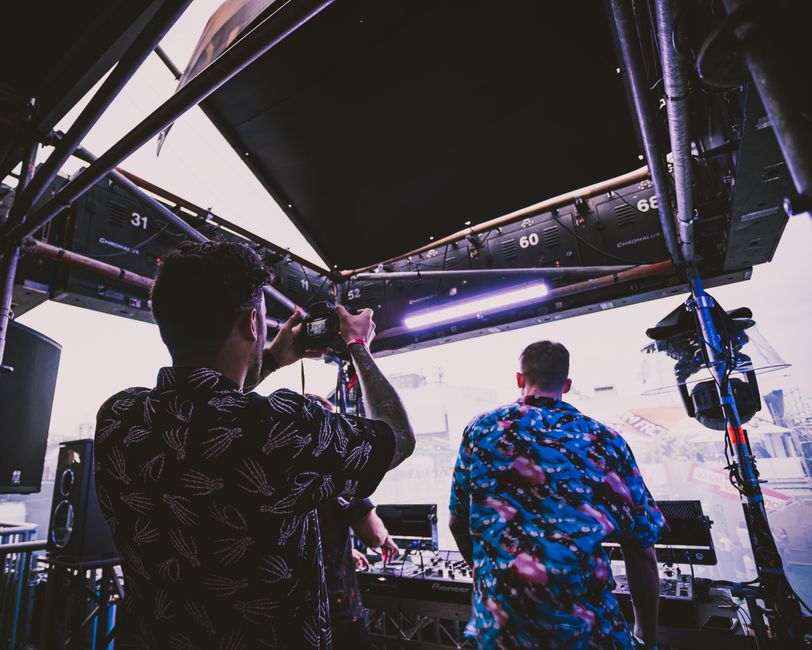
Event Coordinator Run-of-Show Recap: How to Capture What Actually Happened After a Client Event
TL;DR
- •A run-of-show recap compares the planned event flow with what actually happened, down to the minute.
- •It’s not a summary — it’s a timestamped audit of execution, used to improve future events and manage client expectations.
- •Every coordinator should build this habit: capture deviations in real time, then structure them into a clear Plan vs Fact vs Gap format.
- •How to build a run-of-show recap after a client event**
When an event coordinator told me their client asked for a recap three days after the gala — and they had to piece it together from Slack threads and sticky notes — I realized most teams treat the run-of-show as a scripture, not a living document.
Tool tip (AiAdvisoryBoard.me):
The most useful run-of-show recaps don’t just list what went wrong — they surface patterns. For example, if three consecutive speaker segments ran 10–15 minutes over, the issue isn’t the speakers — it’s the buffer time built into the plan. Use the Plan → Fact → Gap lens to shift from blame to system design.
Manager scan (2-minute digest example)
- Opening remarks: Planned 9:00–9:10, Actual 9:00–9:18 → Gap: +8 min (mic check ran long)
- Keynote speaker: Planned 9:18–10:00, Actual 9:18–10:07 → Gap: +7 min (Q&A ran over; no hard stop)
- Breakout session 1: Planned 10:07–10:45, Actual 10:07–10:50 → Gap: +5 min (room change took longer than expected)
- Panel discussion: Planned 10:50–11:30, Actual 10:50–11:20 → Gap: –10 min (ended early due to low engagement)
- Lunch service: Planned 11:30–12:30, Actual 11:40–12:45 → Gap: +15 min start, +15 min end (vendor delay + slow service)
- Awards ceremony: Planned 12:45–13:30, Actual 12:45–13:50 → Gap: +20 min (speech prep underestimated)
- Networking reception: Planned 13:50–14:30, Actual 13:50–14:10 → Gap: –20 min (attendees left early)
- Closing remarks: Planned 14:10–14:20, Actual 14:10–14:25 → Gap: +5 min (impromptu thank-you)
Micro-case (what changes after 7–14 days)
After a regional tech conference, the event coordinator started logging actual times during the event using a shared timer app. By the second event, they noticed a consistent 12-minute gap in the lunch transition — not because of the caterer, but because the agenda assumed instant room clearance. They adjusted the plan to build in a 15-minute buffer and added a soft announcement to guide attendees. At the next event, the lunch segment ran within 2 minutes of plan. The coordinator began sharing the run-of-show recap as a standard deliverable, and clients started asking for it proactively — not as a critique, but as a planning tool for their next event.
Note on this case: This example is illustrative — based on typical patterns we observe with companies of 30–500 employees, not a single named client. Specific numbers are rounded approximations of common ranges, not guarantees.
FAQ
What’s the difference between a run-of-show and a run-of-show recap? The run-of-show is the pre-event script. The recap is the post-event comparison — it shows what was planned, what actually occurred, and where the gaps lie.
Who should own creating the run-of-show recap? The event coordinator or lead producer, ideally with support from a note-taker or AV tech who can timestamp segments in real time.
How soon after the event should the recap be delivered? Within 24–48 hours while details are fresh. Waiting longer risks relying on memory or incomplete notes.
Should I include attendee feedback in the run-of-show recap? Only if it directly explains a gap (e.g., “Session ended early due to low engagement — confirmed by post-session poll”). Otherwise, keep feedback in a separate section.
Can I automate parts of the run-of-show recap? Yes — use a shared timer app or voice-to-text tool during the event to capture timestamps, then export to a template. But the analysis and insight must stay human.
What if the client never asked for a recap? Send it anyway as a value-add. Frame it as: “Here’s what we learned to make your next event even smoother.”
Conclusion
A run-of-show recap isn’t about policing the event — it’s about learning from it. By comparing Plan to Fact and surfacing the Gap, event coordinators turn chaos into clarity, and one-off events into repeatable systems.
What to do tomorrow: At your next event, assign one person to log actual start/end times for each major segment — even if it’s just in a notes app.
If you want a system that surfaces the Plan → Fact → Gap automatically — every day, across the company — see how the 7-day diagnostic works.
Frequently Asked Questions
Read with AI
Open this article in your assistant — it will summarize it and help apply it to your company.
Show the prompt
Read the article https://aiadvisoryboard.me/blog/event-coordinator-run-of-show-recap-after-client-event.md and summarize the key points. Then ask me about my company (industry, team size, what takes the most time) and explain which ideas from the article apply to us and where to start.
The pillar guide for "Role-Based Reports" linking every article in this cluster.

Implements AI agents in companies and teaches founders and their teams to work with them — through courses and corporate programs.
This article was prepared with AI assistance, based on Yaroslav Maxymovych's methodology and materials. Spotted an inaccuracy — let us know via the form below.
A template is good. A system where the report writes itself is better
A 10-minute daily ritual for every employee: plan + fact + blockers. Implemented in 1 day. Teams that write down their plans hit their goals 42% more often.
New case studies on AI adoption — in your inbox
Once a week: practical breakdowns of what companies automate with AI and what actually comes out of it.
No spam. Unsubscribe anytime.
Related Articles

Nurse SBAR Handover Notes for Small Private Clinics: A Practical Template
A practical guide to writing nurse SBAR handover notes in small private clinics, including a ready-to-use template, common mistakes, and how standardization improves clinical visibility and safety.
Read more
AI Hallucinations in Client Workflows: How to Build a Check That Won’t Lose You Customers
AI hallucinations in client communication lead to lost trust. How to build a check that catches fabricated information before sending — and keeps your clients — practical checklist for company…
Read more
Quarterly Review Built from Weekly Status Updates: How to Turn Routine Updates into Strategic Insight
Turn your team’s weekly status updates into a meaningful quarterly review — no extra meetings, no extra work. A practical framework for founders and COOs who want to see real progress, not just…
Read more