GPT-5.6 Luna
At a glance
- Price per 1M tokens (input)
- $0.20
- Price per 1M tokens (output)
- $1.20
- Context
- 922,000 tokens
- Free access
- yes (see below)
Refreshed daily; data verified September 29, 2026. Published August 12, 2026.
GPT-5.6 Luna by OpenAI is designed for business teams that need a single model to handle visual documents, structured workflows, and complex decision-making. It suits tasks like extracting information from charts or screenshots, triggering external software actions through tool calling, and walking through multi-step problems with visible reasoning. The vendor's approach emphasizes reliability and auditability, pairing strong perception with explicit step-by-step logic so outputs can be traced and verified. This makes it a practical choice for operations, analytics, and customer support teams that require both accuracy and explainability in their automation.
Specifications & pricing
| Input (per 1M tokens) | $0.20 |
|---|---|
| Output (per 1M tokens) | $1.20 |
| Cache read (per 1M tokens) | $0.02 |
| Cache write (per 1M tokens) | $0.25 |
| Context window | 922,000 tokens |
| Max output | 128,000 tokens |
| Capabilities | images, tool calling, reasoning |
LiteLLM community dataset (MIT), verified September 29, 2026. Official OpenAI pricing.
What GPT-5.6 Luna would cost on your workload — run it through the cost calculator →
Where to try GPT-5.6 Luna for free
- OpenAI offers a free chat — ChatGPT (free plan). A vendor's free chat may run a different model from the same family — the exact model is not guaranteed.
Frequently asked questions
What is this model best used for in a business setting?+
It is best for tasks that combine visual input with structured action, such as reading a scanned invoice and then updating a spreadsheet, or analyzing a chart and drafting a summary. It also handles multi-step reasoning well, like diagnosing a support ticket and proposing a resolution path. Tool calling lets it connect to your existing APIs or internal systems to execute actions on your behalf.
How do I get started with GPT-5.6 Luna?+
You can access it through the standard API or a supported integration platform. Start by testing it on a small set of your own documents or workflows, using the same prompt format as other OpenAI models but enabling the image input and tool-calling features. The vendor provides example code and a playground environment for quick experimentation before production rollout.
How does this model differ from sibling models in the OpenAI line?+
Unlike text-only siblings, Luna adds native image understanding, so it can read screenshots, diagrams, and handwritten notes. Compared to models that focus purely on speed, Luna emphasizes deliberate step-by-step reasoning, making it more suitable for tasks where you need to audit the logic behind an answer. It also supports tool calling out of the box, which many sibling models require extra configuration to achieve.
What are the main limitations I should plan for?+
Luna is not ideal for real-time, low-latency interactions like live chat agents, because its reasoning steps add noticeable delay. It can misinterpret highly complex or low-resolution images, so you should pre-process visuals for clarity. Also, while it can call tools, it requires your systems to expose stable, well-documented endpoints; it will not handle poorly structured or undocumented APIs gracefully.
Compare with others
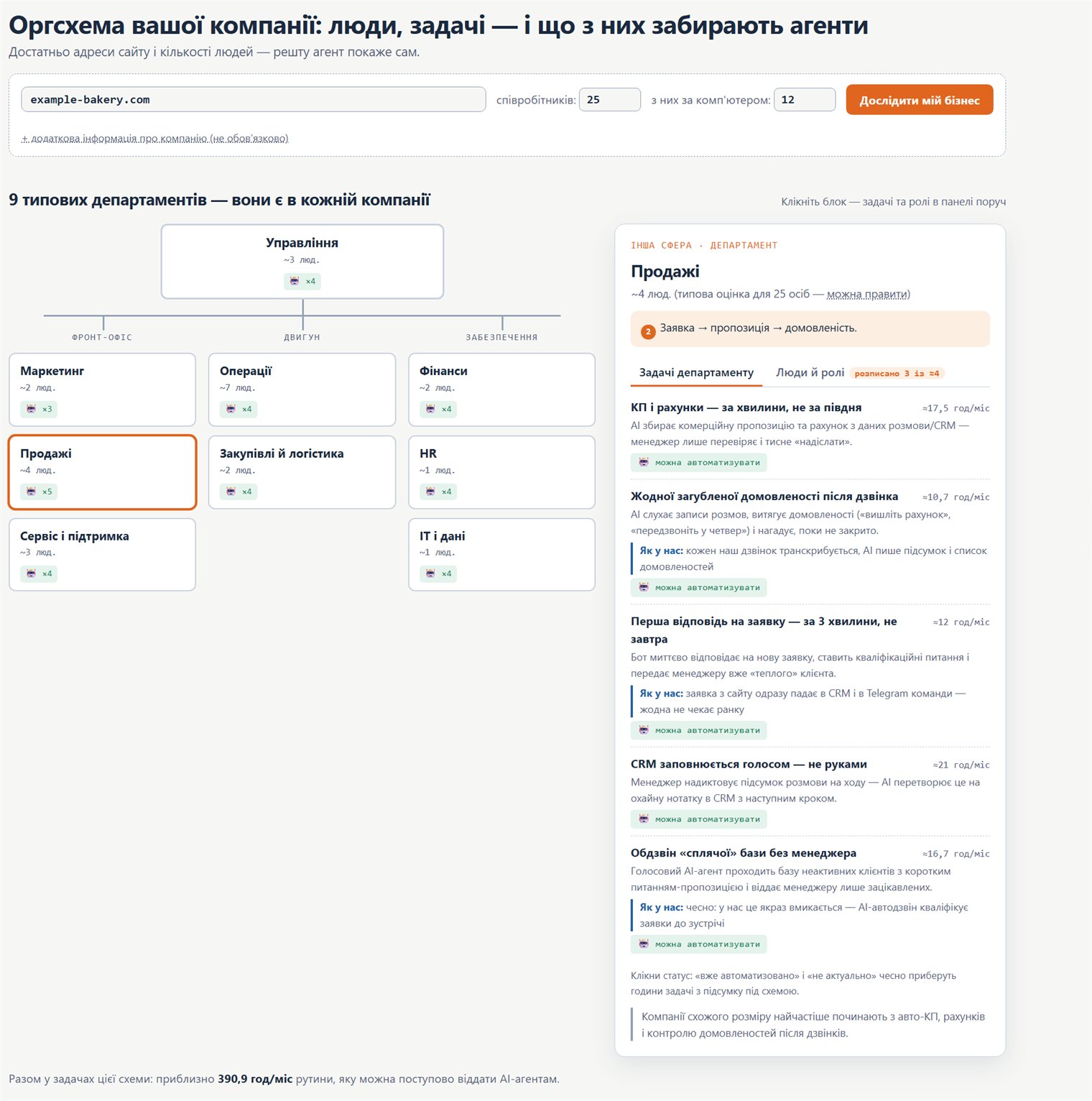
Org chart: how to move your company onto AI
A practical map: which company roles and processes AI agents can take over, where to start, and in what order to roll it out.